

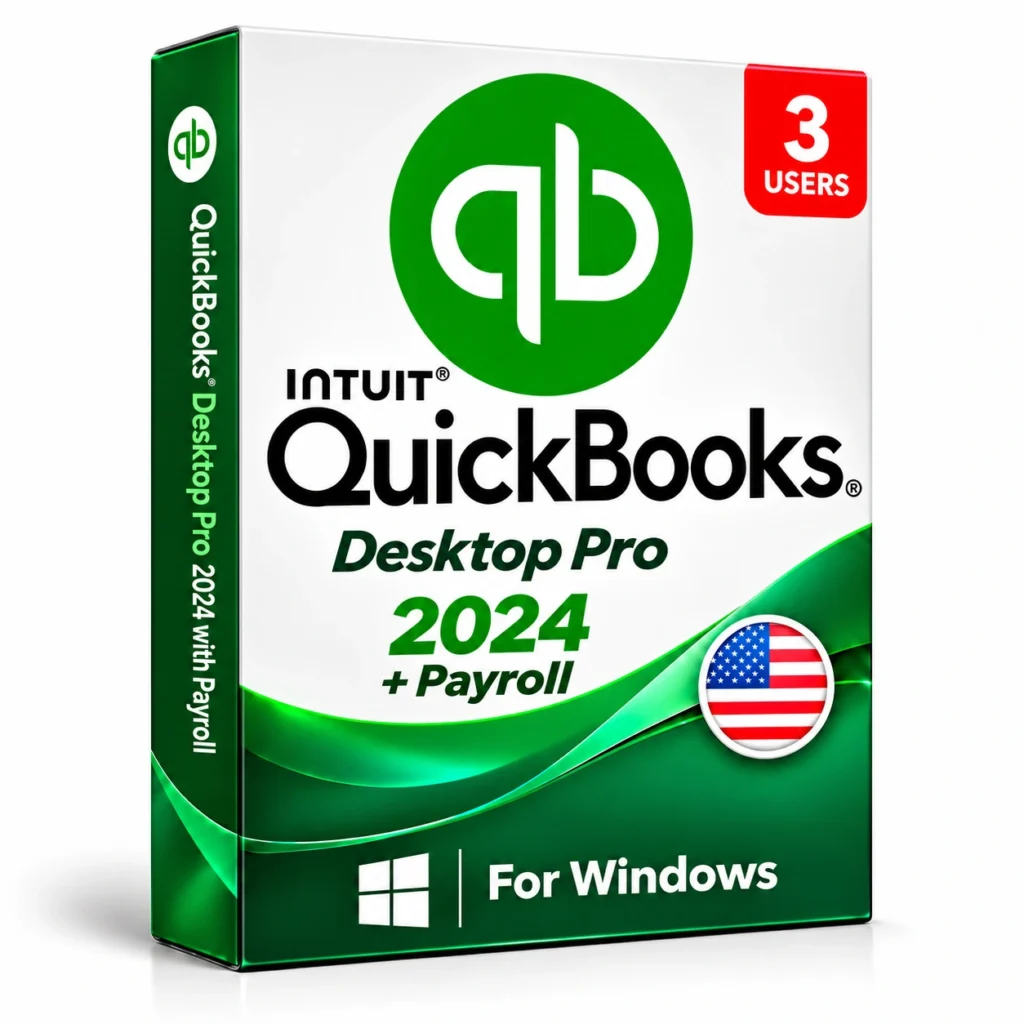
 QuickBooks
 Software Pro 2024 + Payroll - 3 Users - Instant Delivery
Choose your configuration
 Windows
1 YearWindows3 Users
1 Year · 3 Users selected

 Digital DeliverySetup details by email
 Genuine LicenseOriginal software
 DownloadOfficial software source
 Secure PaymentProtected checkout
 Purchase invoicePDF with your order
QuickBooks Software Pro 2024 + Payroll - 3 Users
QuickBooks Desktop Pro 2024 is easy desktop accounting software for small businesses. Create invoices, track expenses, reconcile bank accounts, manage customers and vendors, and run 100+ ready-made reports. This package includes 3 user licenses and the Payroll add-on to pay employees and calculate payroll taxes directly in QuickBooks.
Digital delivery
Download and access details are supplied by email.
Your configuration
1 Year · 3 Users · Windows
Order support
Help with your order, setup and activation.
Features and workflow
- 3 users working in the same company file (multi-user mode)
- Invoicing, estimates, bills, expense tracking and bank reconciliation
- Basic inventory tracking and job costing
- 100+ customizable reports (profit & loss, balance sheet, cash flow, sales)
- Payroll: run paychecks, calculate payroll taxes and use direct deposit (payroll service fees apply)

QuickBooks Software Pro 2024 + Payroll - 3 Users - Instant Delivery
The company file is stored on a host computer. Up to 3 licensed users can open it at the same time in multi-user mode.
1 Year · 3 UsersMinimum requirements
| Hardware | Windows 10 or 11 (64-bit), 2.4 GHz processor, 8 GB RAM recommended, 2.5 GB disk space |
|---|---|
| Internet | Internet connection for activation, updates and payroll |
A clear, guided process
- 1Download the installer from your QuickBooks account (Manage Products) using the official link.
- 2Install on the host computer or server first, choosing the multi-user host option, then install on each workstation.
- 3Enter the License Number and Product Number, then activate (Help > Activate QuickBooks Desktop).
- 4On the host, open QuickBooks Database Server Manager and scan the folder that holds the company file.
- 5On each workstation, open the file and choose File > Switch to Multi-user Mode.
- 6Add users and set permissions in Company > Users > Set Up Users and Roles.
- 7Payroll: activate the payroll subscription in Employees > Payroll Center and download the latest tax table update.
We're here to help
Questions about your purchase, installation or activation? Contact our support team with your order reference.
Contact supportCommon questions
How many users does it support?
QuickBooks Desktop Pro supports up to 3 users. For more users, choose QuickBooks Enterprise.
Pro or Enterprise?
Pro is for small teams. Enterprise adds more users, advanced inventory and advanced reporting.
Is payroll included?
The Payroll add-on is part of this package. Payroll service fees are charged per employee.
Does it run on Mac?
This package is the Windows version.
Are there subscription or payroll eligibility requirements?
Payroll requires an eligible active service subscription and may involve per-employee or service fees. Intuit stopped new U.S. subscriptions to Desktop Pro Plus and Desktop Enhanced Payroll after September 30, 2024; existing-subscriber eligibility and the exact payroll service must be confirmed for this package.