

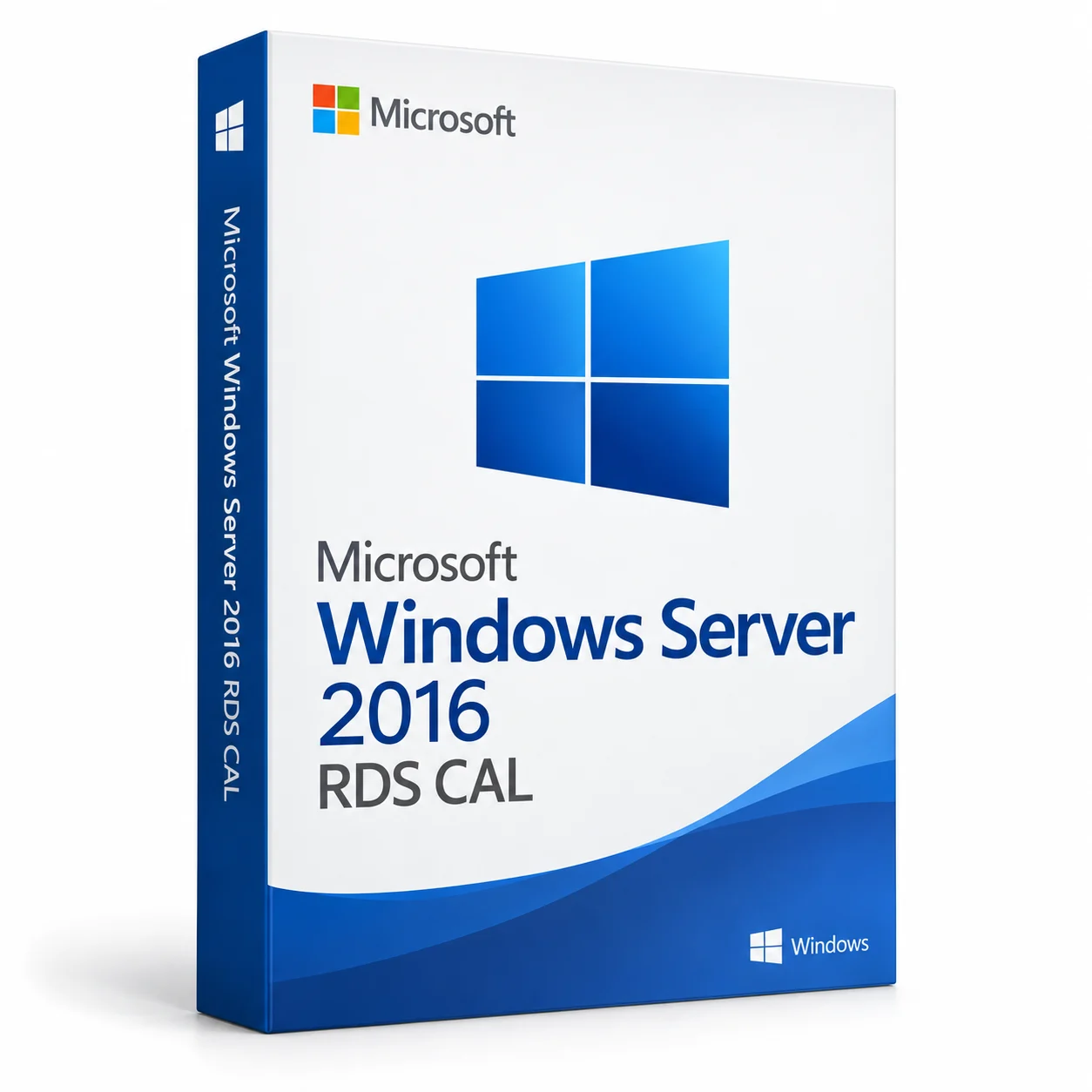
Microsoft Windows Server 2016 RDS CAL - Remote Desktop Access
Choose your configuration
 Windows
Lifetime LicenseUser · Windows50 User CAL
Lifetime License · 50 User CAL selected

 Instant DeliverySent by email
 Genuine LicenseOriginal software
 DownloadOfficial software source
 Secure PaymentProtected checkout
About Microsoft Windows Server 2016 RDS CAL - Remote Desktop Access
This Windows Server 2016 Remote Desktop Services offer is listed as a pack of 50 client access licenses.
Choose User CAL or Device CAL according to your remote desktop access model. This offer is not the Windows Server operating system itself.
Digital delivery
Download and access details are supplied by email.
Your configuration
Lifetime License · 50 User CAL · Windows
Order support
Help with your order, setup and activation.
Your software, clearly defined
| CAL type | User, Device |
|---|---|
| CAL quantity | 50 |
Microsoft Windows Server 2016 RDS CAL - Remote Desktop Access
Choose the CAL type for your access model and match the server year. A remote desktop access license is a different product from the Windows Server operating system.
Lifetime License · 50 User CALCompatibility checklist
| Platform | Windows |
|---|---|
| Edition / version | Microsoft Windows Server 2016 RDS CAL - Remote Desktop Access |
| Before installation | Check hardware and operating-system requirements for the exact software release. |
Choose the CAL type for your access model and match the server year. A remote desktop access license is a different product from the Windows Server operating system.
A clear, guided process
- 1Choose the software version and configuration you need.
- 2Complete checkout using the available payment methods.
- 3Follow the download and setup instructions supplied by email.
- 4Use the license or account access supplied for your order.
We're here to help
Questions about your purchase, installation or activation? Contact our support team with your order reference.
Contact supportCommon questions
What does this Microsoft Windows Server 2016 RDS CAL offer include?
The listed choices are a pack of 50 User CALs or 50 Device CALs for Remote Desktop Services.
What is the difference between User CAL and Device CAL?
User CAL and Device CAL are different access-license types. Choose the type that matches your licensed remote desktop access model.
Does the CAL pack include Windows Server?
No Windows Server operating system license is specified as part of this CAL offer. Server licensing and other required access entitlements must be checked separately.