

 QuickBooks
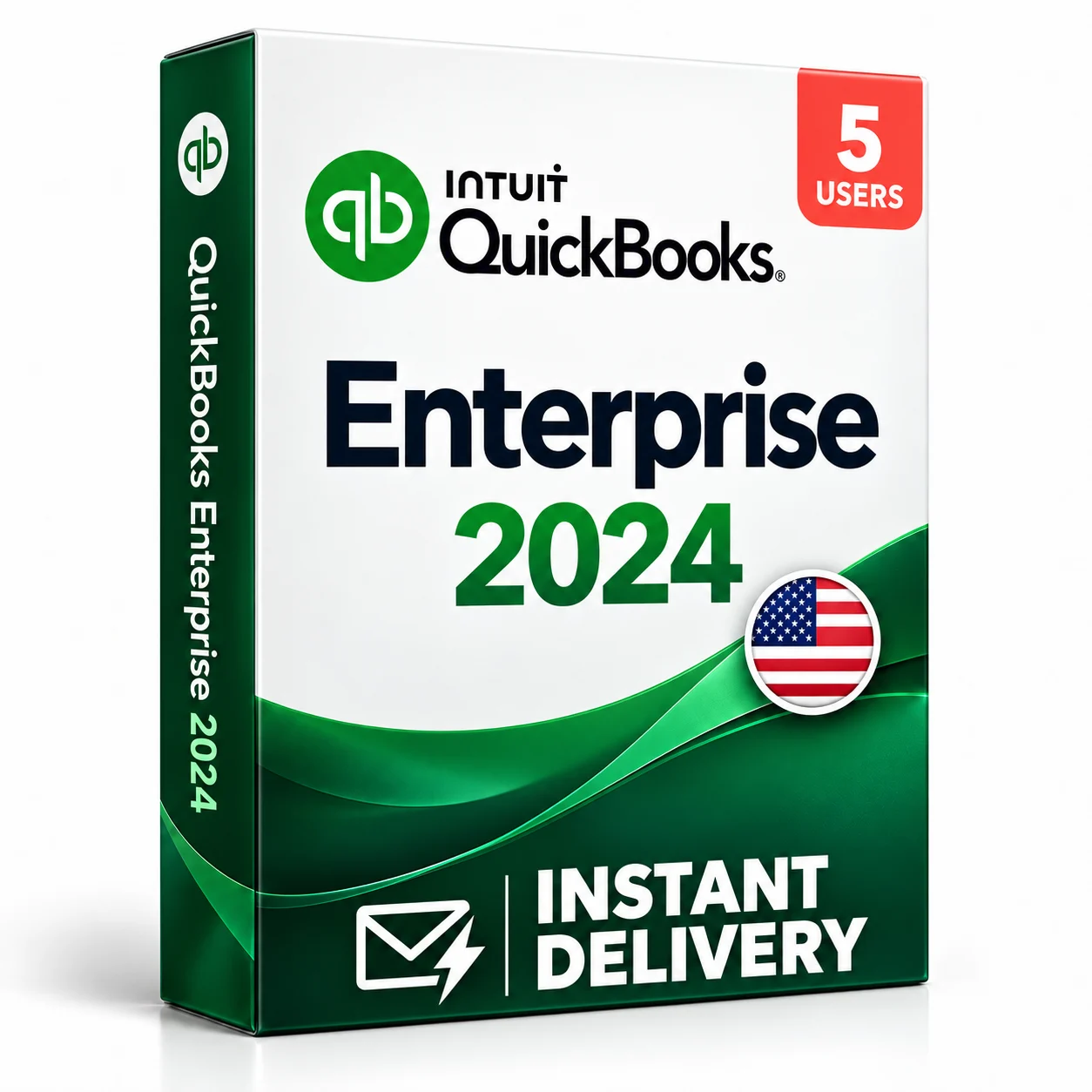
QuickBooks Enterprise 2024
Choose your configuration
 Windows
Lifetime LicenseWindows5 Users
Lifetime License · 5 Users selected

 Instant DeliverySent by email
 Genuine LicenseOriginal software
 DownloadOfficial software source
 Secure PaymentProtected checkout
A clearer view of your business.
Keep customer, supplier and financial records connected in QuickBooks Desktop Enterprise. Give your team a shared accounting workflow, control user access and review business performance through configurable reports. This listing covers the 2024 Windows edition for five users, with a Lifetime License.
Digital delivery
Download and access details are supplied by email.
Your configuration
Lifetime License · 5 Users · Windows
Order support
Help with your order, setup and activation.
Features and workflow
- Customer invoicing and supplier bill workflows
- Customizable business and financial reports
- Job costing to review project profitability
- Inventory records and reporting
- Multi-user accounting for the listed five-user configuration
- User permissions to control access to company information
QuickBooks Enterprise 2024
Confirm your configuration, confirm Windows compatibility and plan your company-file setup. Payroll, hosting and tier-specific services are separate unless expressly included in your order.
Lifetime License · 5 UsersMinimum requirements
| Operating system | Windows 11, 64-bit, installed natively. Supported server setups include Windows Server 2022, 2019 and 2016. |
|---|---|
| Processor | Intel or AMD x86 processor, 2.4 GHz minimum. ARM processors and emulation are not supported. |
| Memory | 8 GB minimum; 16 GB recommended for a workstation. A 1u20135-user server requires at least 8 GB. |
| Storage | 2.5 GB for the application, plus space for company data and required components. SSD recommended. |
| Display | 1280 u00d7 1024 or higher, with the default Windows DPI setting. |
| Connectivity | Internet connection for registration, activation and connected services. Google Chrome required. |
| Multi-user setup | Compatible network and database-server configuration. Each user needs a covered license and the same version-year. |
| Windows 10 | Windows 10 standard support ended October 14, 2025. Use a supported Windows installation for business data. |
| Included services | Advanced Inventory, Advanced Pricing, payroll, cloud hosting and other plan-specific services are not implied by this listing. |
A clear, guided process
- 1Confirm the Lifetime License and check your Windows and network setup.
- 2Back up an existing company file before migration or conversion.
- 3Install QuickBooks Desktop Enterprise 2024 using the supplied download instructions.
- 4Register and activate with your supplied license and product details, then configure users and company-file access.
We're here to help
Questions about your purchase, installation or activation? Contact our support team with your order reference.
Contact supportCommon questions
Is this QuickBooks Online?
No. This is QuickBooks Desktop Enterprise 2024 for Windows. It is a different product from QuickBooks Online and QuickBooks for Mac.
How many users does this cover?
This listing is for five users. Multi-user work requires a compatible network, database-server setup and the same QuickBooks version-year for all users.
What license is included?
The listed user count and software edition stay the same. This is a Lifetime License (one-time purchase) for the listed version and user count.
Are payroll, hosting and Advanced Inventory included?
They are not included by implication. Advanced Inventory and other specialist features depend on the Enterprise plan; payroll, hosting and connected services may require separate subscriptions. Confirm any required service before ordering.
Can I move my existing company file?
Compatibility depends on the source product and version. Back up your file before conversion. Opening a file in a newer version can prevent it from being reopened in an older version.
Will I receive a physical box?
No. This is a digital software offer. Download and activation instructions are supplied by email. Contact Avery Ashdown with your order reference if you need help.